In short
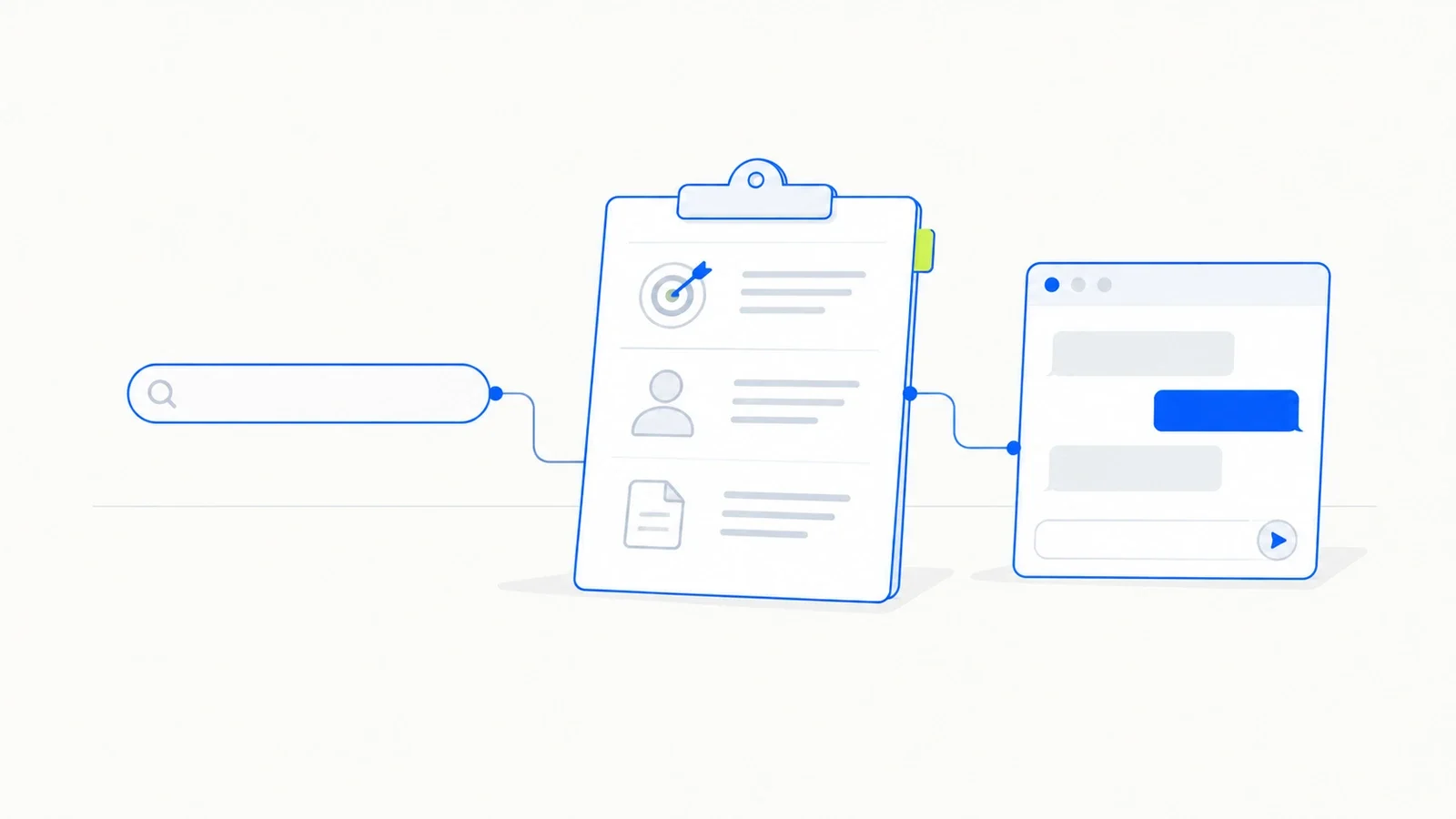
Brief an AI assistant as you would a new colleague: say who the work is for, what it is for, what you already know, the format you want and what to avoid. A useful test is whether a colleague could do the task from your request without asking questions.
Years of search engines have trained us to type a few keywords and expect the right page. Many people bring that habit to AI assistants and type “marketing email new product” or “summarize this”, then wonder why the result is so ordinary. An assistant given four words has to invent everything else, and it invents the most average version it can.
The fix is to write the request the way you would brief a capable colleague who has just joined the team. This article sets out what that brief contains, shows the difference it makes, and covers the habits that help most at work.
The new colleague test
Anthropic’s documentation for Claude offers a simple check for any prompt: show it to a colleague who knows little about the task and ask whether they could follow it. If they would need to ask questions first, the model needs those answers too (Anthropic).
The test works because a model, like a new colleague, is capable but uninformed. It knows a great deal about writing, analysis and most subjects, and nothing about your client, your manager’s preferences, last quarter’s numbers or why this document exists. Everything it needs from that second category has to be in the prompt.
The seven parts of a good brief
Not every request needs all seven, but anything that matters should cover most of them.
1. The task. Say plainly what you want produced: a first draft, a list of options, a critique, a rewrite, a table.
2. The purpose. Explain what the result is for. “So the finance director can approve the budget on Friday” leads to a different document from “so the team understands the change”.
3. The audience. Say who will read it and what they already know. A summary for a specialist and a summary for a new hire share very little.
4. The material. Paste in the notes, data, previous emails or documents the work should be based on, and say which parts matter most. Without material the assistant can only produce generic text.
5. What good looks like. Describe the standard you expect, or better, include an example of a previous piece you liked. We cover examples in depth in Show, Don’t Tell: Examples That Shape the Answer.
6. Constraints. Length, format, tone, words to avoid, points that must be included, things the assistant must not assume.
7. The reason behind any rule. A rule with its reason attached is easier for the model to apply sensibly. “Keep it under 150 words, because it will be read on a phone between meetings” also tells it to put the decision first.
A before and after example
Here is a typical first attempt:
“Write an email to the team about the new expense policy.”
The assistant will produce something polite, vague and longer than anyone wants to read.
Here is the same request written as a brief:
“Draft an email to my team of eight account managers about a change to our expense policy. From 1 December, any client meal over $150 needs approval from me before the booking, not afterwards. The reason is that finance rejected several claims last quarter and people ended up paying out of their own pockets. The team is experienced and a bit tired of process changes, so keep the tone direct and friendly, with no corporate language. Under 120 words. Put the rule and the date in the first two sentences, then the reason, then how to ask for approval: a one-line message to me on Slack with the client, the date and the estimated cost. Pasted below is last month’s policy update email, which the team liked, for tone.”
That takes a minute longer to write, and the draft that comes back will need light editing instead of a full rewrite.
Download the briefing checklist
The seven parts of a good AI brief on one page, with space to draft your own.
Free. We will also send you our newsletter about new courses and guides. Unsubscribe in one click.
Habits that improve results
Ask for questions first. For larger tasks, end your brief with “Before you start, ask me any questions you need answered.” The assistant will often spot gaps you missed.
Work in rounds. Treat the first answer as a draft. Tell the assistant specifically what to change, such as “shorter second paragraph, drop the third option, more concrete examples”, instead of starting a new request.
Separate instructions from material. When you paste long documents, label them clearly, for example with headings like “Notes from the meeting” and “Last year’s report”. OpenAI’s guidance for its reasoning models also recommends delimiters such as section titles or tags to make the structure of a prompt clear (AI News, on OpenAI’s guidance).
Say what you do not want. If previous drafts were too formal or full of buzzwords, say so. A short list of things to avoid is often the quickest way to change the tone.
Save what works. When a brief produces a good result for a recurring task, keep it. Next month you will only need to change the material.
Where this fits
Briefing is the foundation of the approach described in our guide to getting real work done with AI assistants. Examples, step-by-step reasoning and checking the output all build on a clear brief, and none of them can make up for a missing one.
The free Prompt Engineering course on Train Your Skills includes a full lesson on briefing, with exercises and a short test. Start the course here.
Frequently asked questions
What makes a good prompt for ChatGPT?
A good prompt states the task, the purpose, the audience, the material to work from, what a good result looks like and any constraints. The same structure works for Claude, Gemini and other assistants.
How long should a prompt be?
As long as it needs to be to cover the brief. A quick rewording can take one line. A report or analysis can take several paragraphs plus pasted material. Length itself does not hurt results, but irrelevant detail can distract the model, so cut anything that does not affect the output.
Should I use prompt templates from the internet?
They can give you ideas, but they rarely fit your situation without editing. Many online templates add role-play lines such as “You are a world-class marketer”, which add little compared with real context about your audience and goals. A template you build from your own best briefs will serve you better.
Does being polite to the assistant change the result?
Politeness does no harm, and clear, respectful phrasing tends to go with clear instructions. The content of the brief matters far more than the courtesy around it.
Why does the assistant ignore part of my instructions?
Usually because the instruction is buried, contradicts another one, or is less specific than the material around it. Put the most important rules near the start, number them if there are several, and remove any instructions that pull in different directions.
Sources
- Anthropic, “Be clear and direct”, Claude documentation. platform.claude.com
- AI News, “OpenAI shares best practices for prompting o-series reasoning models”. ainews.com